Insufficient storage problems
Submitted: Tuesday, Jul 22, 2025 at 23:02
ThreadID:
151114
Views:
1610
Replies:
2
FollowUps:
0
This Thread has been Archived
Member - Pitty9228
I’m trying to download the offline high res pack, contour pack and the terrain and hillside pack onto my iPhone 15 Pro Max. I have already downloaded the app and the low res pack, however the app is telling me I only have 3,064 MB of internal storage, when in actual fact I still have 366GB of free storage on my device, and it’s not allowing me to download those other 3 map packs. I don’t believe my phone has SD storage capabilities

Basic downloads
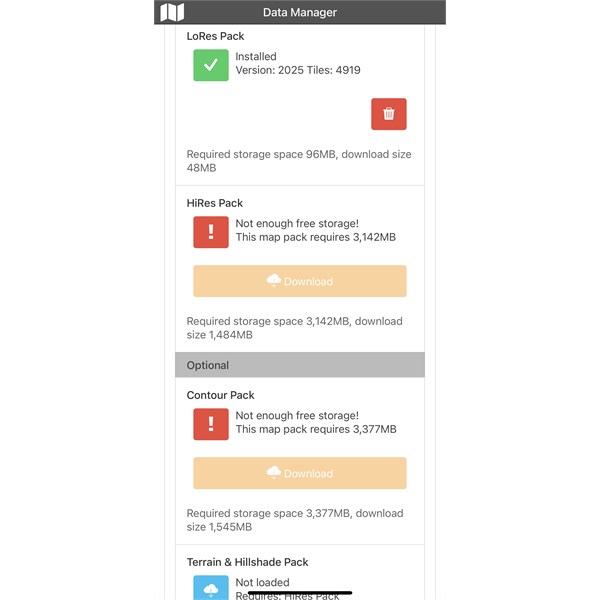
Not enough storage
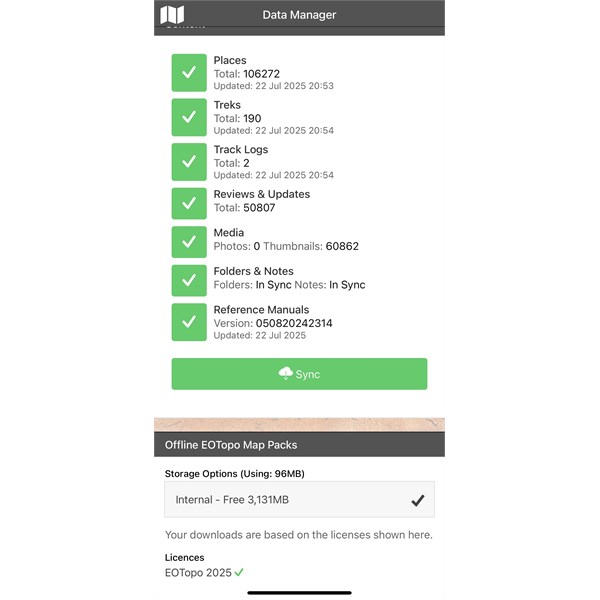
Not enough storage
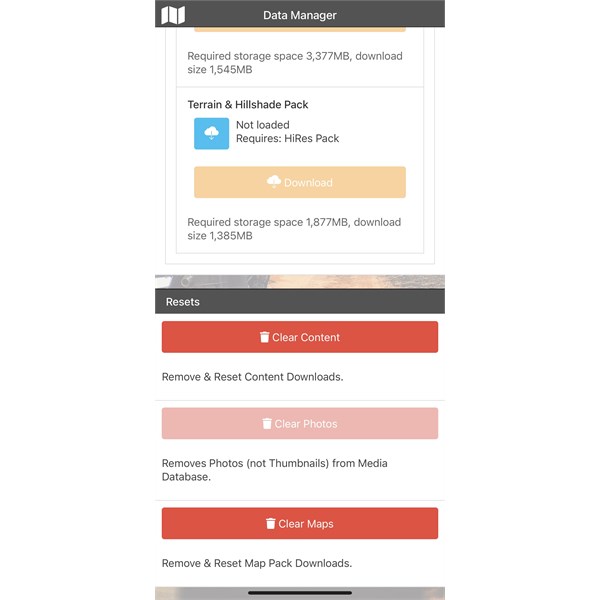
Current iPhone storage
.
Reply By: Member - peter g28 - Wednesday, Jul 23, 2025 at 17:13
Wednesday, Jul 23, 2025 at 17:13
That's a strange problem, I'm the opposite..I have not enough space....you have heaps.
What you may have to do, just guessing here, is to "turn off" any other apps that are running in the background on your phone as this maybe causing a conflict when trying to down load the Exploreoz Map set.
If you still have issues..you will have to contemplate deleting the Exploreoz Traveller App, close down all your apps running in the background still and then do a reinstall of the Traveller app and see how that goes.
Failing that...contact the Exploreoz Help desk.
AnswerID:
648314
Reply By: TrevorDavid - Friday, Jul 25, 2025 at 09:52
Friday, Jul 25, 2025 at 09:52
That’s an unusual problem Pitty
Try swiping all open app’s closed, clear the cache on the phone and then reboot it.
Regards
TrevorDavid
AnswerID:
648324